It’s time to plug your
Controller back in.
Miditrax turns your MK3, MK2, Mikro MK3 or Mikro MK2 into a hands-on drum sequencer for your drum machines and drum plugins.
No MIDI mapping. You get screens, pads and buttons to create your beats.
macOS 12+ · Windows 10+
See it running
Got one of these? You’re good to go.
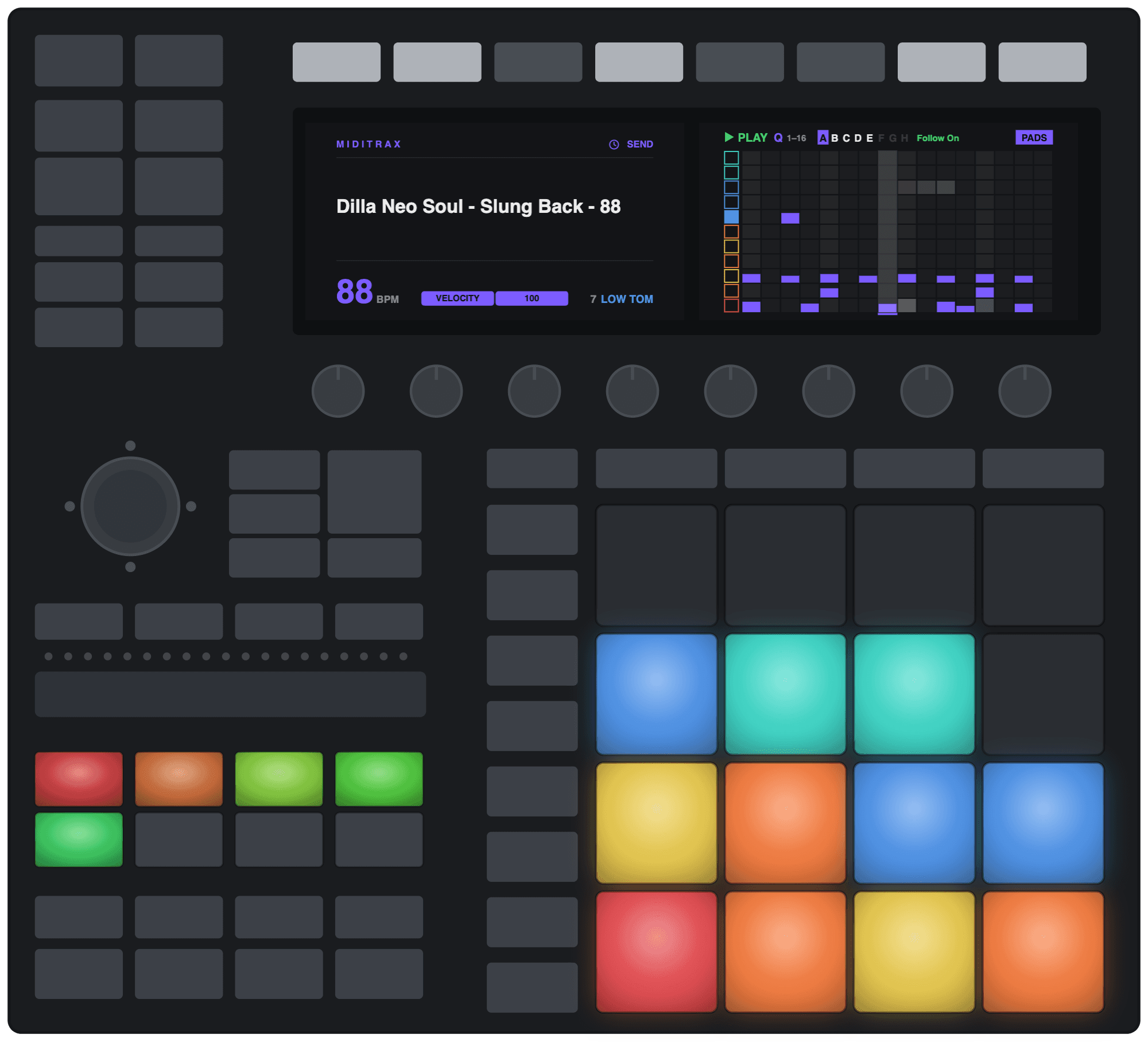
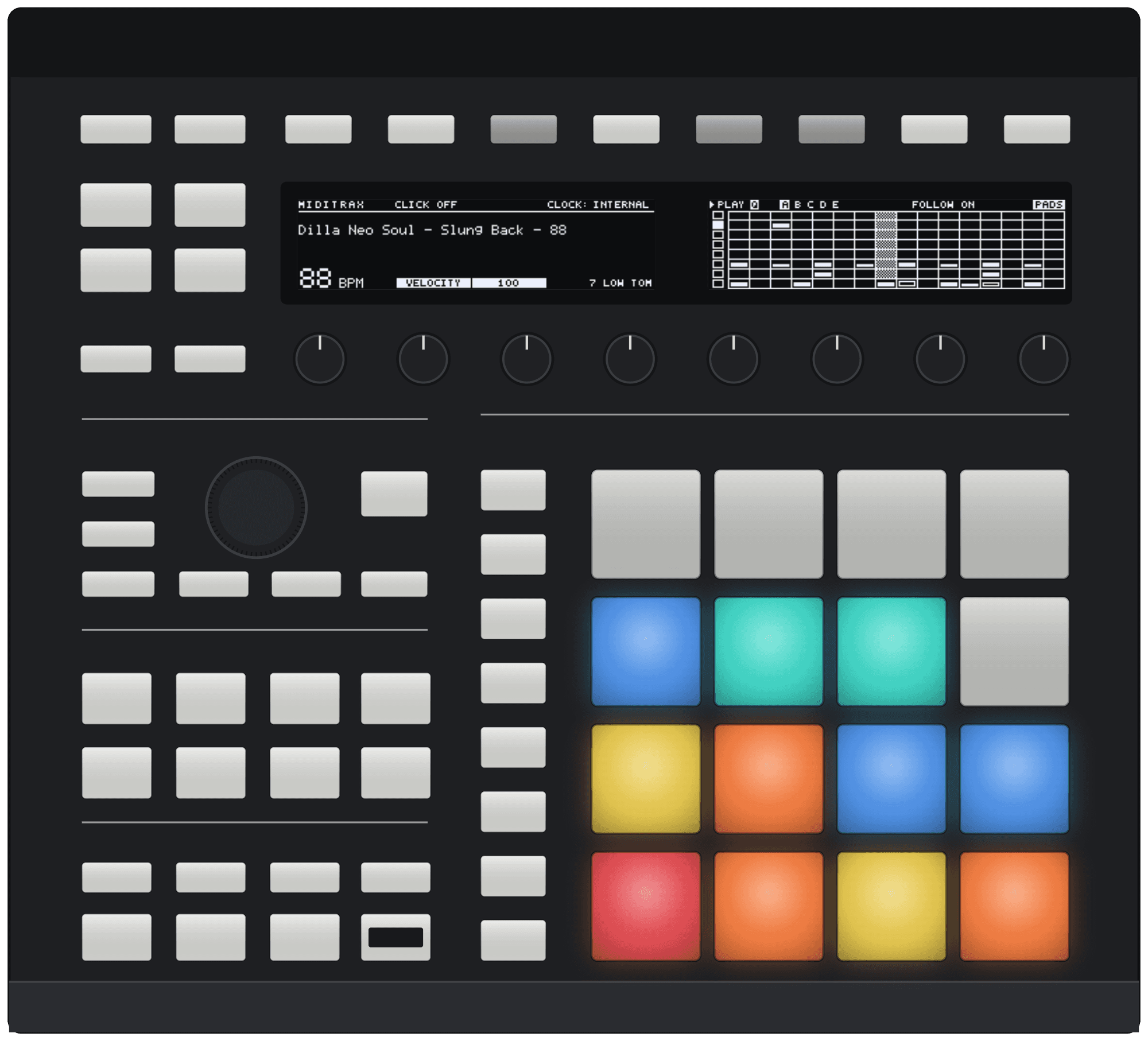
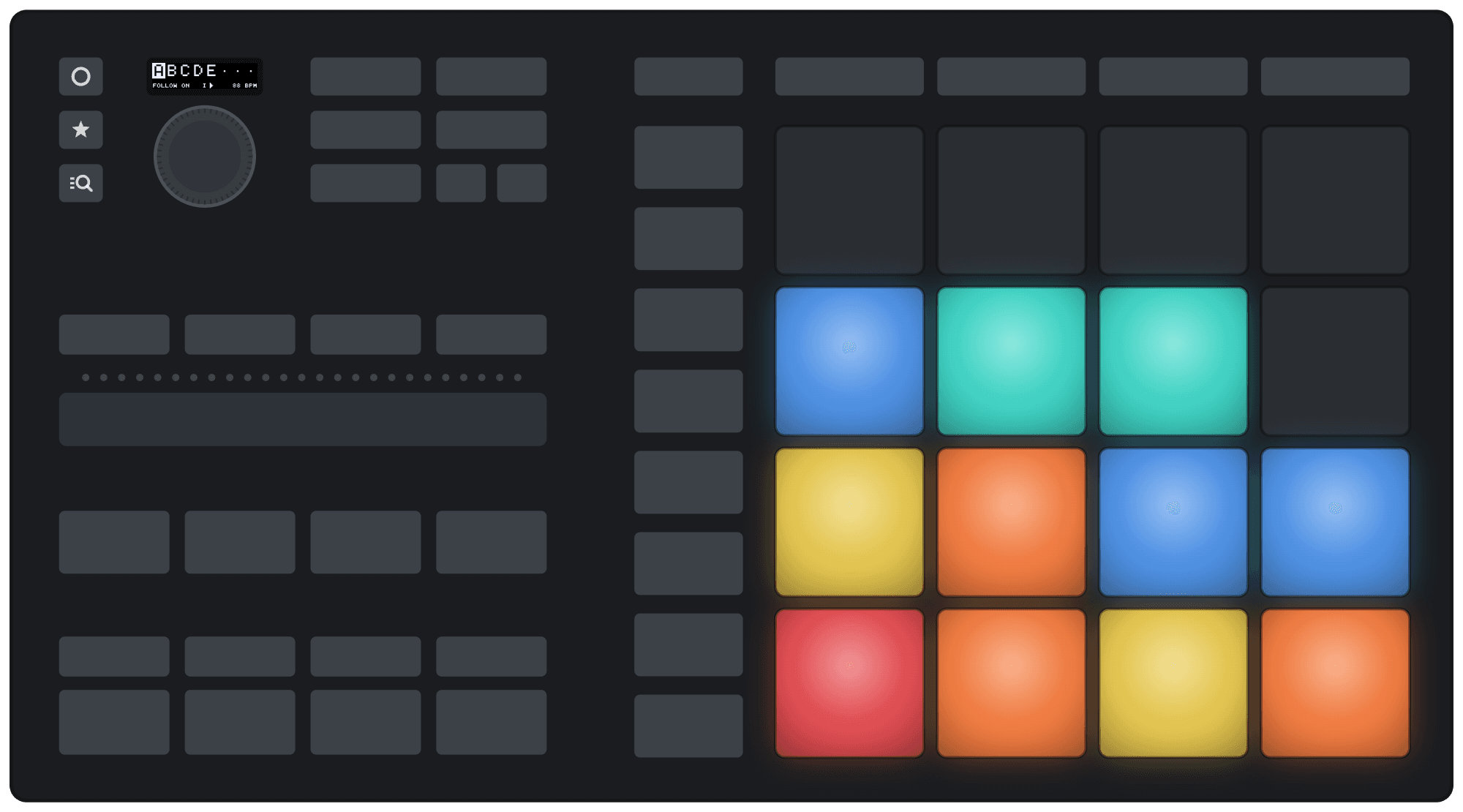
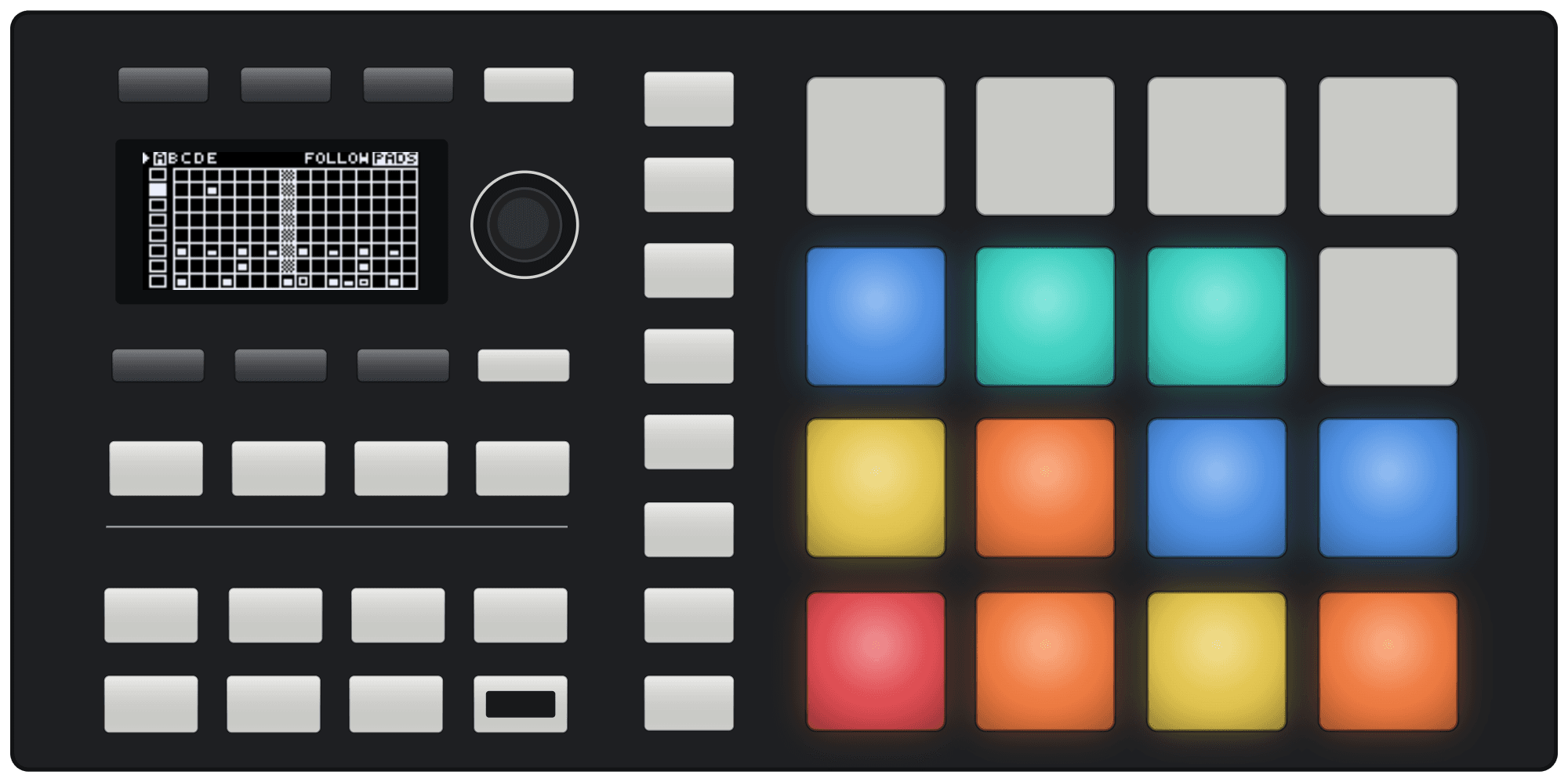
MK2, Mikro MK3 and Mikro MK2: install Miditrax and hit Connect, on Mac or Windows.
MK3: all good on Mac. Windows needs an additional driver for the MK3.
There’s a lot more to Miditrax.
Generate beats, record live, switch kits and more, in the app or from your controller.
Explore Miditrax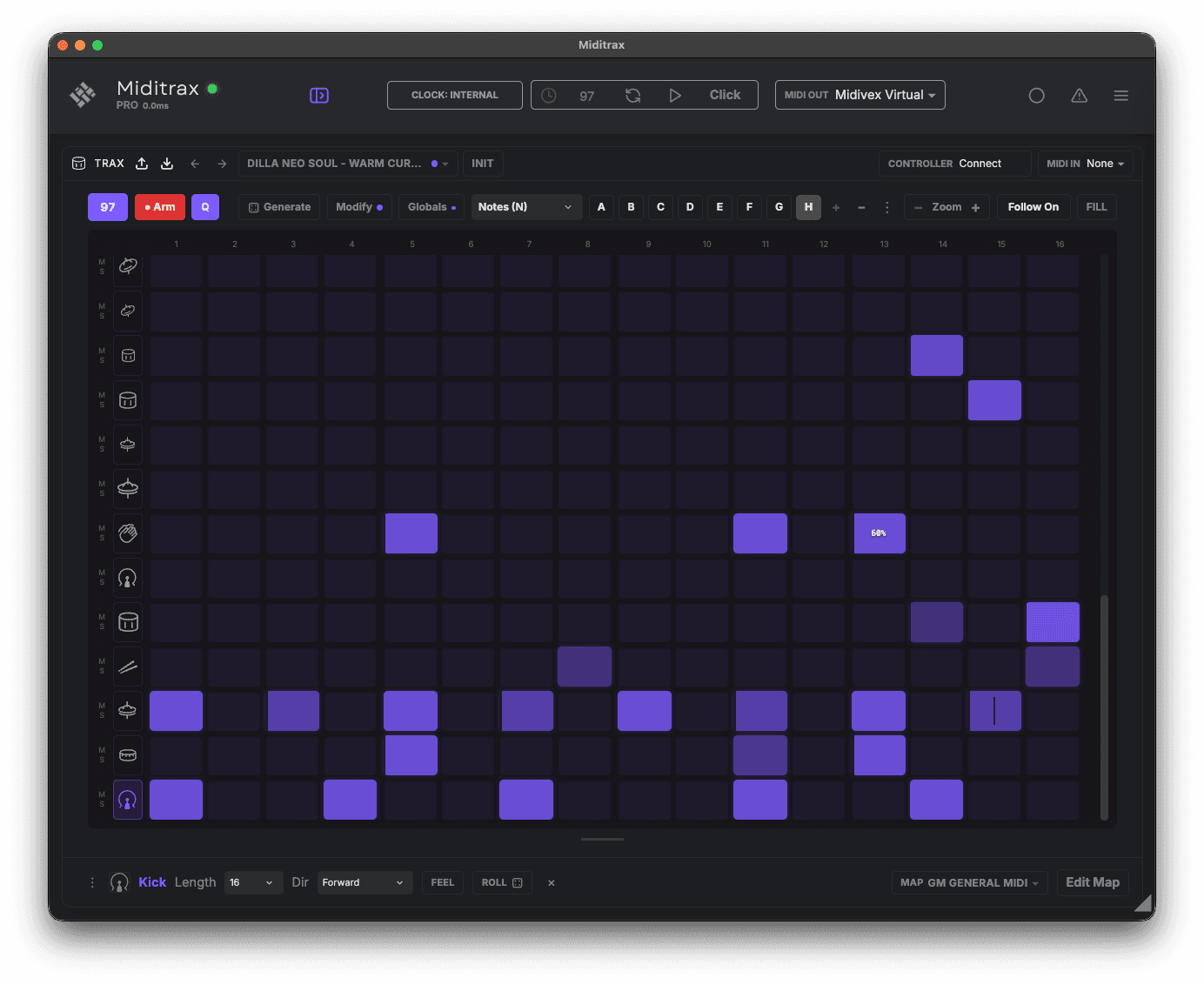
It plays your sounds, not ours.
Miditrax connects your gear to play their sounds on your controller. It’s a beat sequencer that drives whatever you already own.
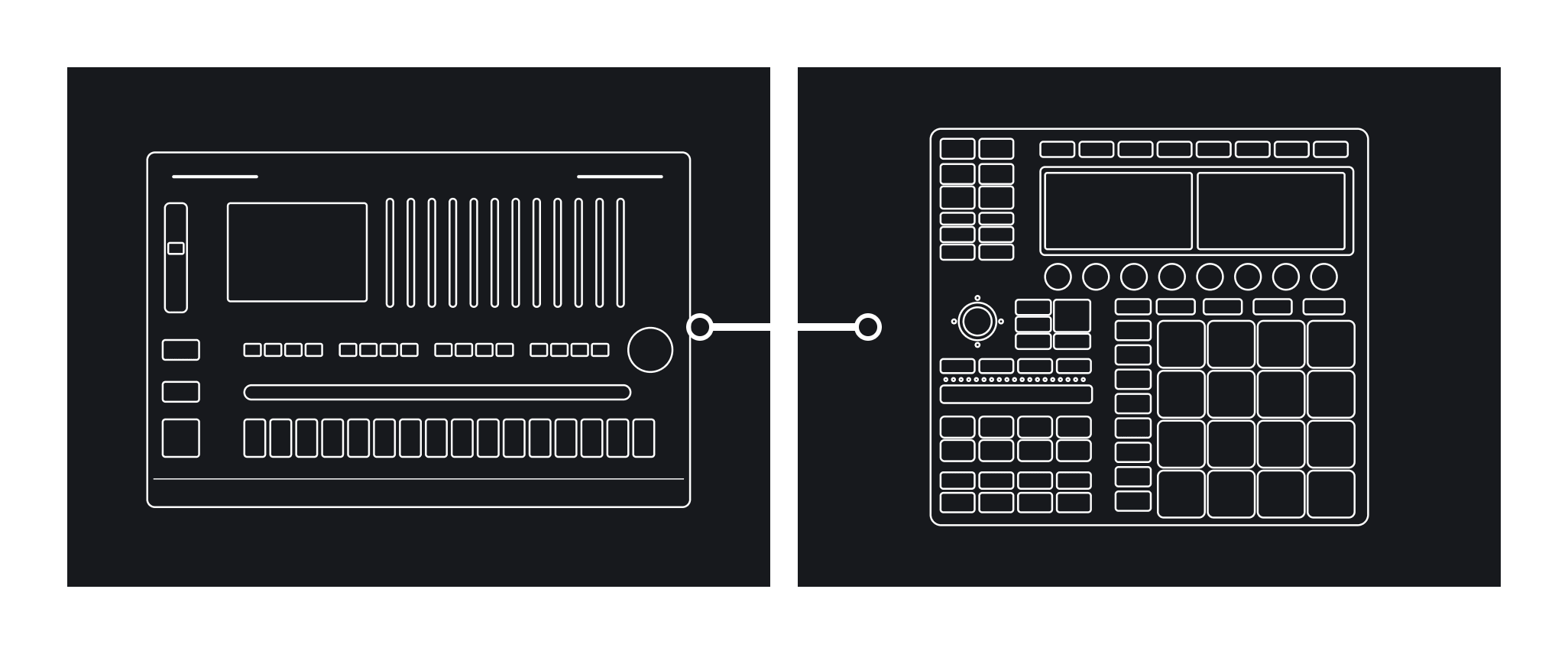
Your drum machines
An 808, a 909, a modern box, a rack module, Eurorack. One MIDI cable and the pads play it.
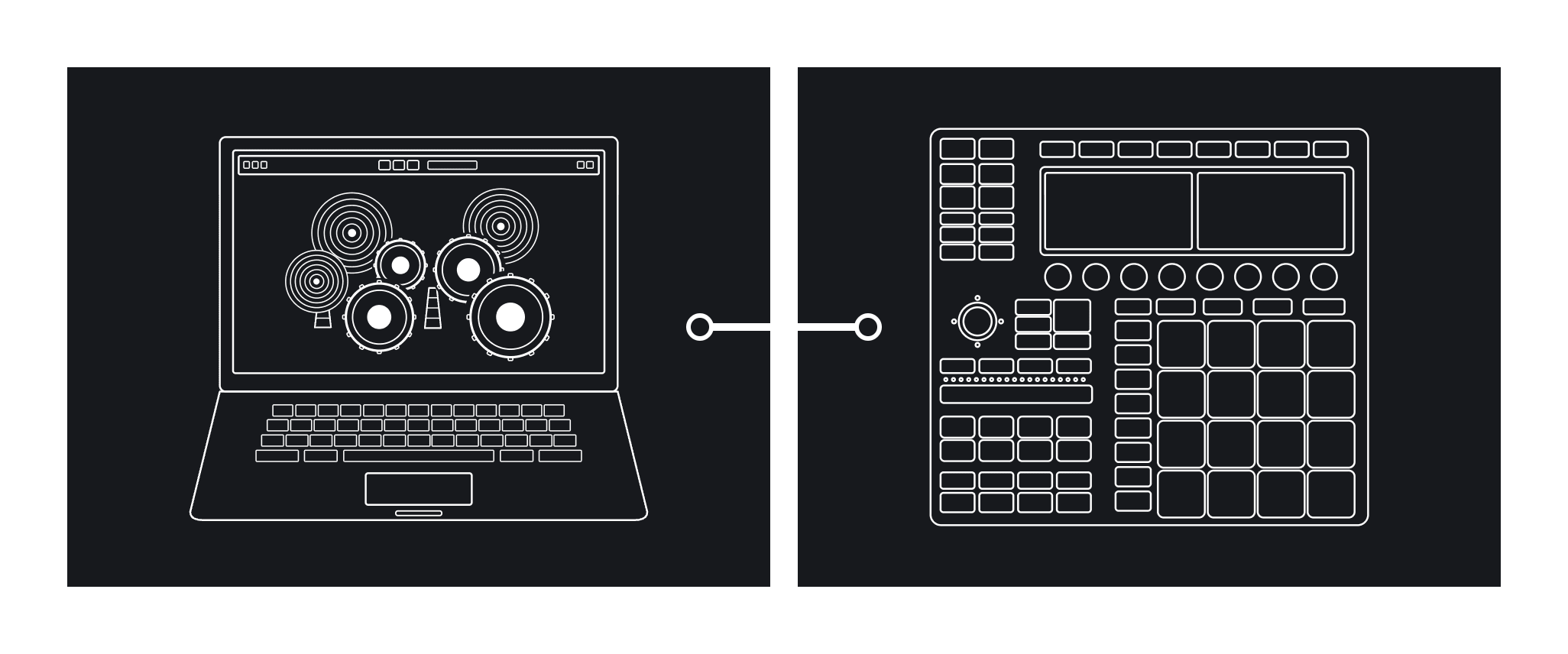
Your drum plugins
Connect your favourite drum plugin through the built-in virtual MIDI port (Mac) and play your software directly, from the app or the controller.
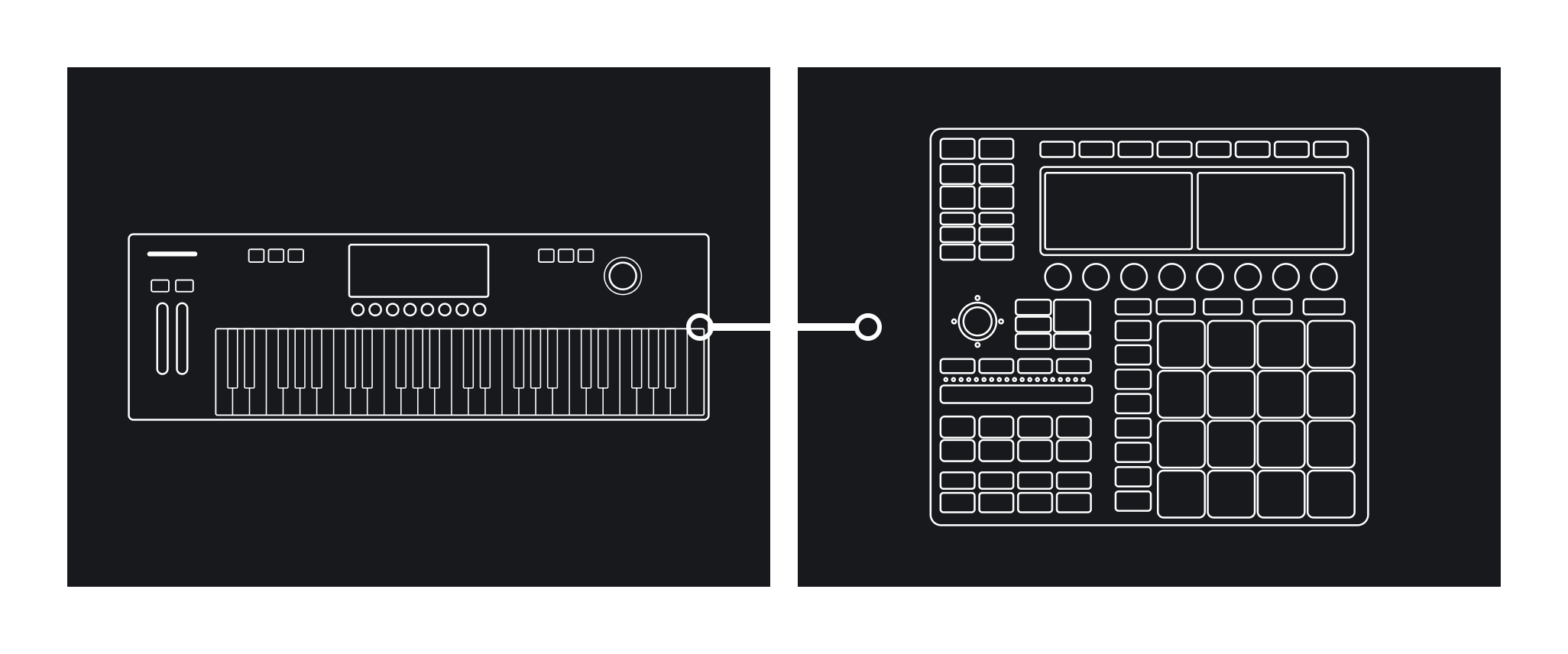
Any drum source
A synth with a kit in it, a groovebox, anything multitimbral. Pick the map for it, or build your own.
How to use it.
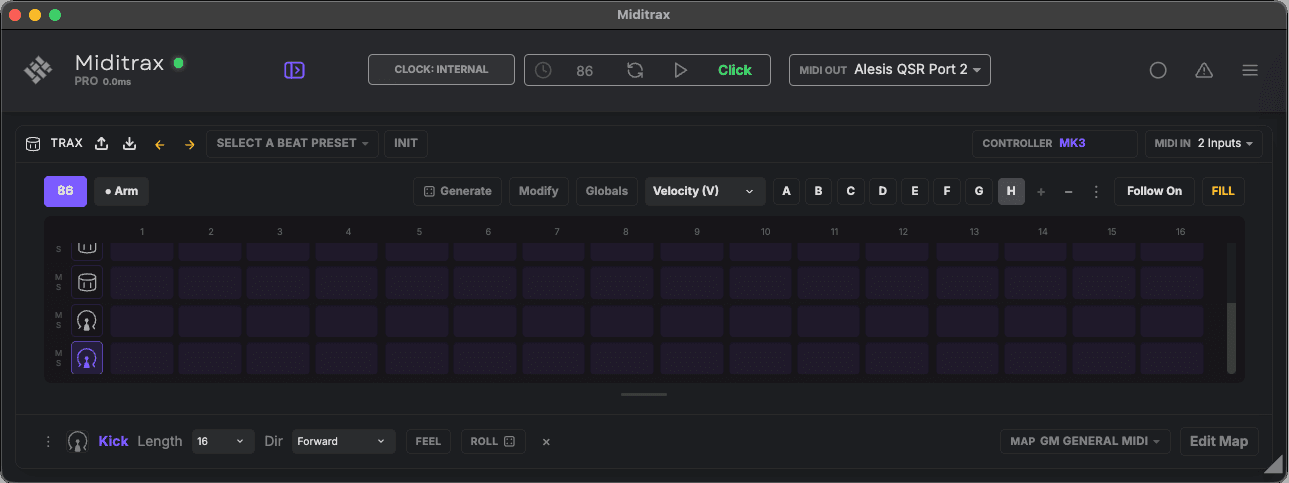
- 1Set MIDI Out to your drum machine, or a virtual port for a plugin in your DAW.
- 2Select your map, bottom right, so the lanes match its kit.
- 3Plug in your controller and click Connect on the CONTROLLER box.
Interactive help
Hover over or tap any button, knob or the pads, and the screens show what it does.
Browse beats
- 1.Press Browser.
- 2.Turn the big knob to scroll.
- 3.Push to load the beat.
Record a beat
- 1.Press Click.
- 2.Turn knob 1 to set your tempo.
- 3.Press Rec.
- 4.Press Play and play the pads.
Modify a beat
- 1.Load a beat, or create one.
- 2.Press Mod.
- 3.Tip the big knob to pick a layer, turn it to add more, push for a new dice roll.
Let Miditrax create a beat
- 1.Press Auto.
- 2.Turn the big knob to pick a genre.
- 3.Tip it down a row, then push to generate. Push again for another.
Change a sound
- 1.Hold a pad.
- 2.Turn the big knob to hear each instrument.
- 3.Let go to keep it.
Make it groove
- 1.Press Scene for Global Feel.
- 2.Tip the big knob to pick Swing, Accent, Micro or Velocity, and turn it to set it.
- 3.Press Pattern to set the pattern rate and length.
Perform
- 1.Press Perform.
- 2.Hold a white button, or touch the Smart Strip, to loop.
- 3.Let go to rejoin the beat.
Save your beat or start over
- 1.Press File.
- 2.If your beat has changes, turn the big knob to Save or Don't Save, and push.
- 3.A new beat opens, ready to start over.
Play in Pad Block
- 1.Hold Shift and press Pad Mode.
- 2.Each lane takes a block of four pads that play at 25, 50, 75 and 100% velocity.
- 3.Turn the big knob to move through the lanes. Shift + Pad Mode again goes back.
Program a fill
- 1.Press Step, then Notes until the edit tool is Fill.
- 2.Tap a step for a fill note. Tap a beat for a fill, then Fill Mute (it rests during the fill), then a beat again.
- 3.Hold Note Repeat to hear the fill, or to see it with the beat stopped.
Step editing
- 1.Press Step.
- 2.Turn the big knob to select a lane.
- 3.Tap a pad to add or delete a beat. Hold it to edit that beat.
Play for free. Go Pro for all the features.
Miditrax Lite is the full sequencer, free forever. Pro unlocks saving, MIDI export, and beat packs and maps as files. A one-time unlock.
Lite
The full sequencer, yours to play.
- The full generative sequencer, every style
- Generate, vary, and fire live fills
- Drives any MIDI drum machine or multitimbral synth
- Swing, accents, micro-timing, and ratchets
- 20+ drum maps for popular hardware and software
- Clock sync for live performance
- MIDI import
- Works with your MK3, MK2, Mikro MK3 or Mikro MK2*
* 60 minutes of controller time available in Lite.
macOS 12+ · Windows 10+
Pro
Save your work and play without limits.
One-time unlock · Mac & Windows
- Everything in Lite
- Unlimited connections with your MK3, MK2, Mikro MK3 or Mikro MK2
- Save your beats to the library
- MIDI export
- Import and export kit maps
- Import and export beat packs
Already own Midivex? Miditrax is included.
The ones people actually ask.
- Does the MK3, MK2, Mikro MK3 or Mikro MK2 Controller need any other software running?
- MK2, Mikro MK3 and Mikro MK2: just install Miditrax and hit Connect on Mac or Windows. No other software needed.MK3: on macOS you just need Miditrax. On Windows, download and install a driver if you are using the MK3 (not needed for the MK2, Mikro MK3 or Mikro MK2).Download that here
- What sounds does it make?
- It plays your gear. Set the MIDI Out to your drum machine, or use the Miditrax virtual port (Mac) to connect any software drum plugin.Miditrax is a sequencer. It does not make sounds; the magic is the way it connects to your drum machines or drum plugins, and its ability to switch between them using its built-in drum maps.Included MIDI maps for popular hardware and software, including Roland TR-8S, Behringer RD-8 and RD-9, Arturia DrumBrute, Korg Volca Beats, Addictive Drums 2, Superior Drummer 3, EZdrummer, XO, Studio Drummer and General MIDI.
- Can I use Miditrax inside my DAW?
- No, not 'inside' your DAW (it's not a plugin), it runs standalone. However it's easy to integrate with your DAW using a virtual MIDI port, and full clock sync is built in, so it can send clock or receive it. Drag a MIDI file onto the grid to import it, and with Pro drag your beats out into your DAW.Using Miditrax in your DAW
- Can I still use my existing Controller software that I already have installed?
- Yes, Miditrax is a separate software application. Just close it down and run your other software.
- Is Miditrax made by the controller's manufacturer?
- Miditrax is made independently by Midifex in Christchurch, New Zealand. It is not affiliated with, endorsed by or sponsored by the company that makes the controllers.
- What controllers are supported?
- The MK3, MK2, Mikro MK3 and Mikro MK2. We hope to support the Maschine Plus in the near future. There are no plans to support the MK1 or Studio.
- Do I need a controller at all?
- No, you can do everything in the Miditrax app without using a controller. There are nifty shortcut keys for your keyboard to help with all of that. You can also map all functions to any device that supports MIDI CC, such as a MIDI keyboard or a Stream Deck.
- Is there anything I still need the computer for?
- Just for using your qwerty keyboard to rename a preset or beat, to create your own custom drum maps for new hardware or software plugins, or to import and export MIDI files.
- Do I have to buy it?
- Miditrax Lite is always free. Miditrax Pro, the paid version, also lets you save your own presets and the beats you make, and export MIDI from the app to a file or your DAW.Your MK3, MK2, Mikro MK3 or Mikro MK2 Controller works with Miditrax Lite too. Miditrax Pro is $49 USD, one off.
Plug in and play.
The Miditrax app is free. Saving and MIDI export unlock with Pro, $49, one payment.
macOS 12+ · Windows 10+
Miditrax is an independent product from Midifex and is not affiliated with, endorsed by or sponsored by the manufacturer of any controller it supports. Model names such as MK3, MK2, Mikro MK3 and Mikro MK2 are used only to identify compatible hardware. All trademarks belong to their respective owners. The controller illustrations on this page are Midifex's own drawings.