
Specialised music gear.
Designed and crafted with care.
Miditrax and Midivex 2.3: A Direct Connection to Hardware Controllers
Miditrax and Midivex 2.3 are out, and both now connect straight to the MK3, MK2, Mikro MK3 and Mikro MK2 over USB for hands-on drum programming.
Miditrax, and the Trax module inside Midivex, is fast becoming a serious tool for making beats. Today we take it further, with a direct connection to hardware controllers.
Plug in your controller
Miditrax and Trax now connect straight to the MK range of controllers over USB: the MK3, MK2, Mikro MK3 and Mikro MK2. No MIDI mapping: the screens, pads, buttons and presets all just work. That includes the older MK2 and Mikro MK2, so if one is sitting in a cupboard, dust it off and start playing.
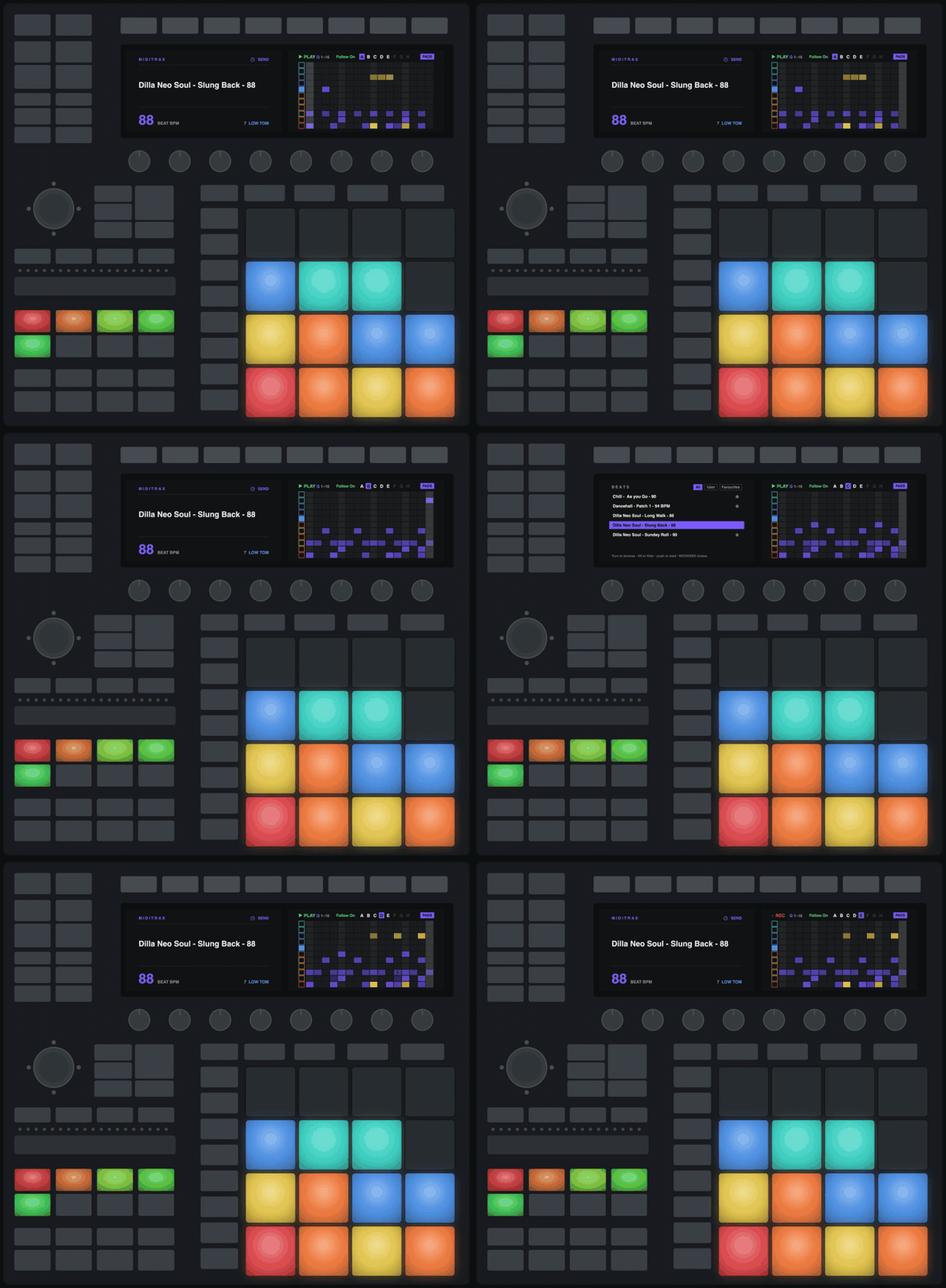
See it running
Getting set up
MK2, Mikro MK3 and Mikro MK2: install Miditrax or Midivex and hit Connect, on Mac or Windows. The MK3 is all good on Mac; on Windows it needs the Midifex Screens Driver for its screens. The Controller Guide shows what every button does on each controller.
Miditrax Lite is free and works with your controller. Pro is $49, one payment, and adds saving your beats, MIDI export, and beat packs and kit maps as files. Midivex Pro includes Miditrax Pro.
Also in 2.3
Zoom the grid to see up to eight sections at once, many more patterns behind Modify’s dice, and Fill Mute. The full list is in the Miditrax release notes and the Midivex release notes.
Thank you to everyone who tested the beta. You shaped this release.